
Your usual answers, ready to fill
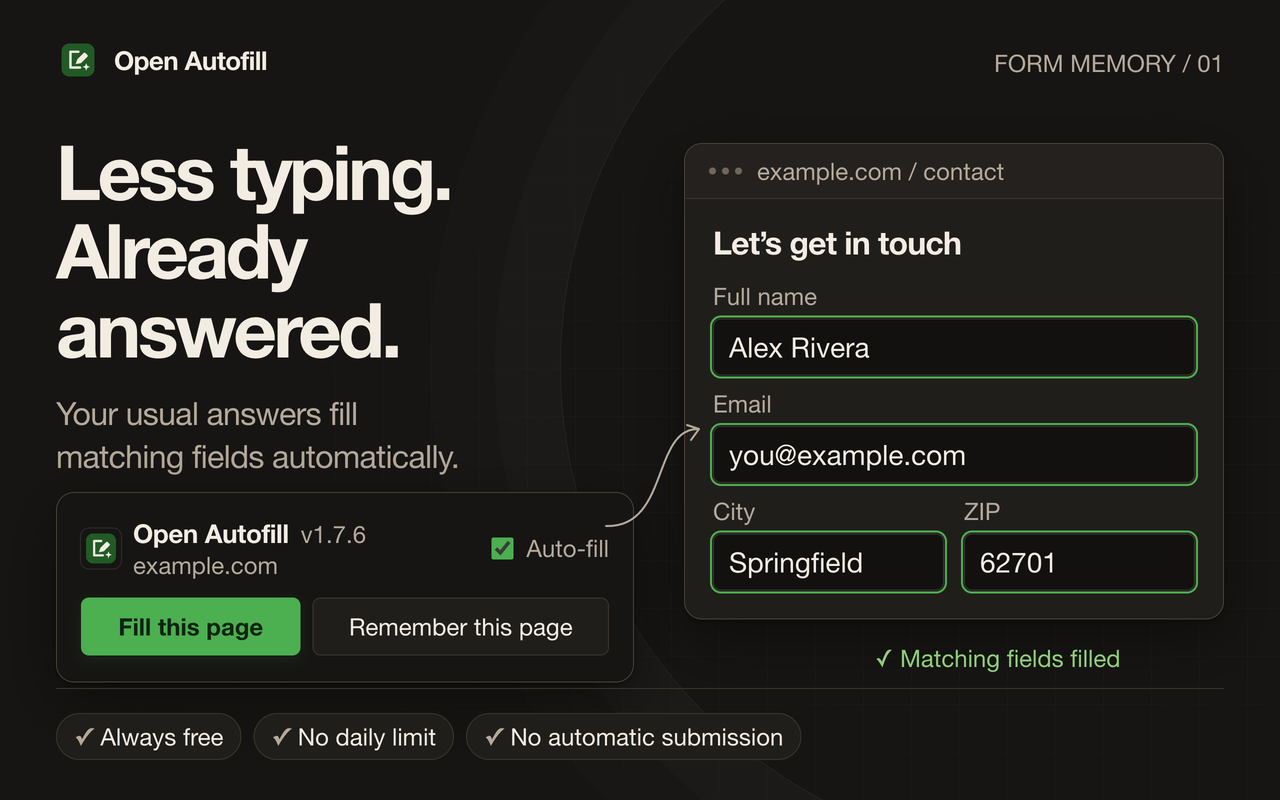
Save names, email, address, phone, birthday, and other frequently used details. Open Autofill fills matching fields when you open a form, while preserving answers you already typed and nonempty page defaults.
Free Chrome extension · Open source · Local only
Automatic form filling. Less typing, even for the extra questions.
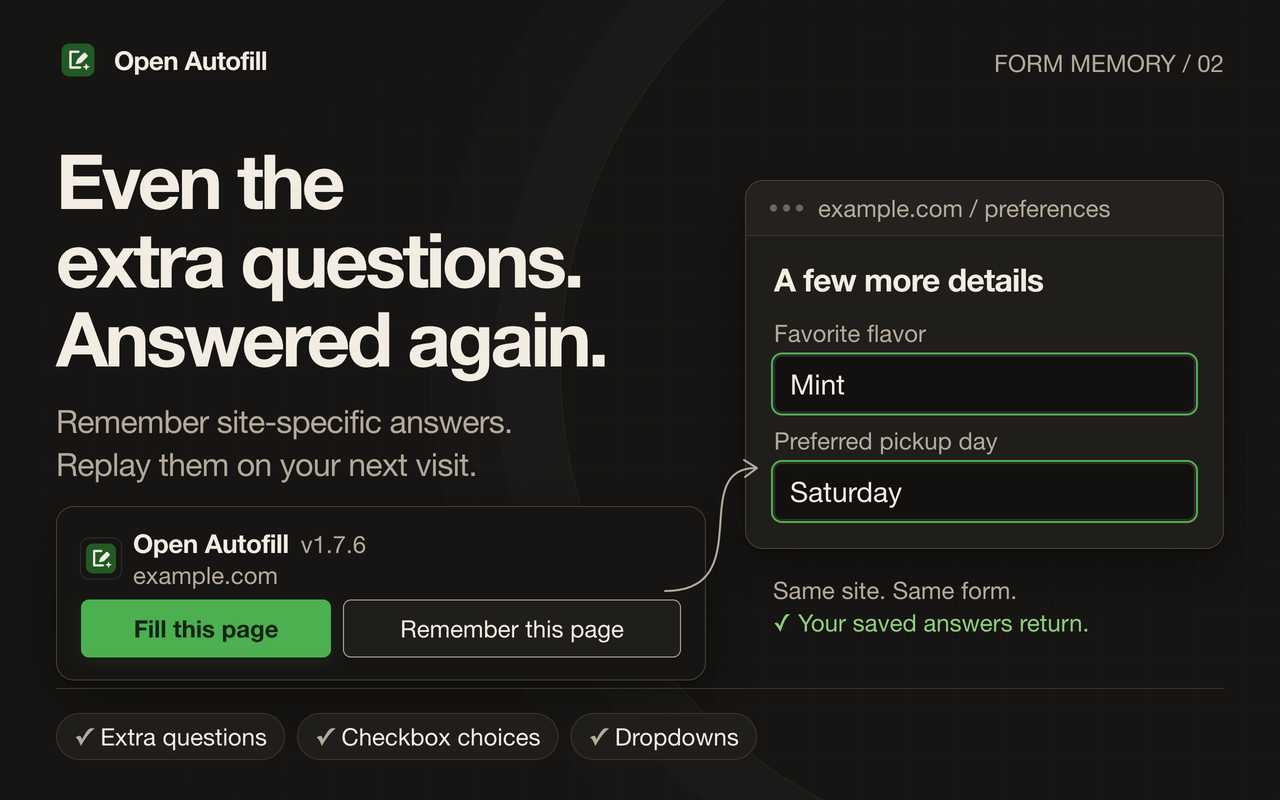
Open Autofill is a free automatic form filler for Chrome. Save your usual answers once, then let matching fields fill automatically. It also remembers site-specific answers, dropdown selections, and checkbox choices that ordinary browser autofill misses.
Always free. No daily limit. No account or cloud sync. Your saved answers stay in your Chrome profile.
Save names, email, address, phone, birthday, and other frequently used details. Open Autofill fills matching fields when you open a form, while preserving answers you already typed and nonempty page defaults.
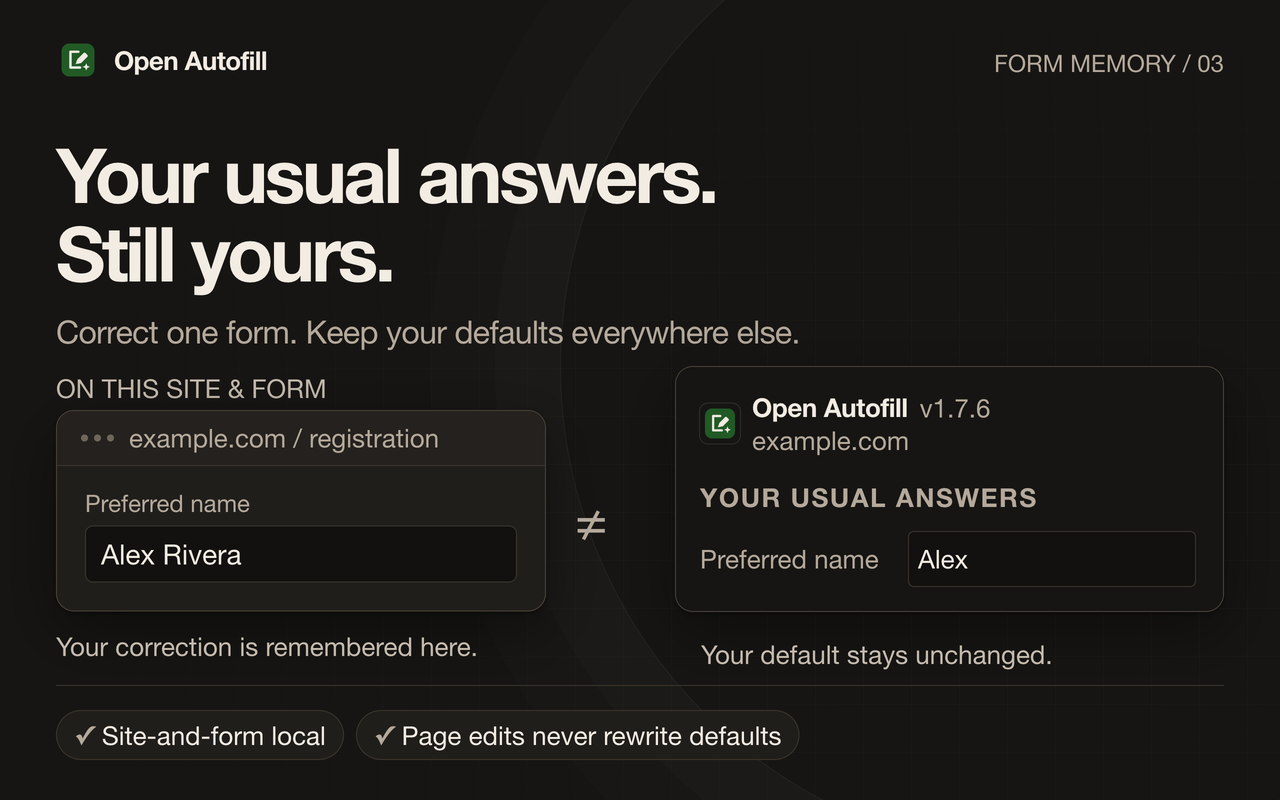
Change an answer normally. With Auto-learn on, the correction is remembered for that exact site and form. Your usual answers stay unchanged everywhere else.
Remember answers beyond contact details, including dropdowns and checkbox choices. Checked and unchecked choices both matter. Clear a field to remember that it should stay blank next time.
Ignore sites, forget their saved answers, or export a JSON backup to your computer. Restoring a backup previews what will be replaced and asks for confirmation. No analytics or external AI services.
Use it for repeated registration forms, applications, and everyday details you are tired of retyping. You stay in charge of reviewing and submitting the form.
Illustrated UI excerpts with fictional demo data. Some interface details may differ from the current version.
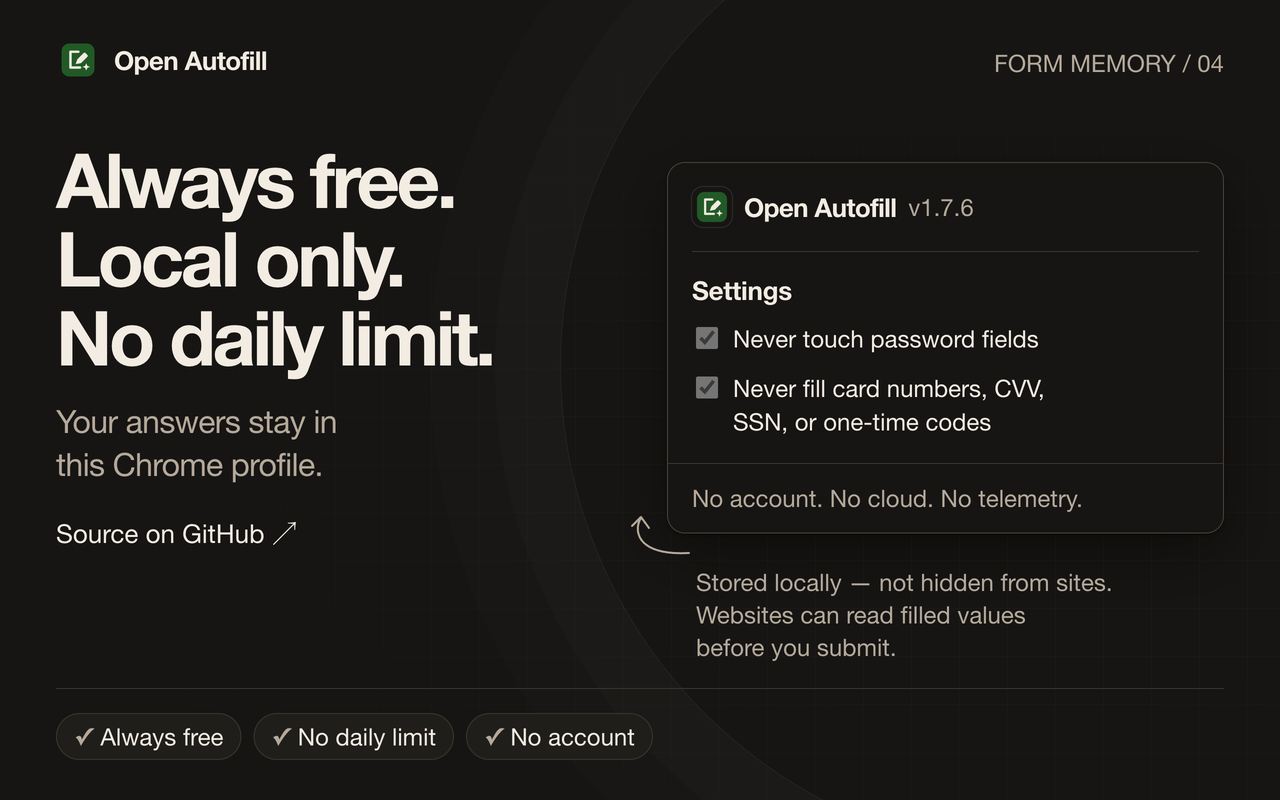
Your saved answers stay locally in this Chrome profile. Open Autofill does not upload them, collect analytics, or sell data. You can inspect the open-source code and read the privacy policy.
Passwords, payment card details, CVV, Social Security numbers, and one-time codes are not filled. Open Autofill does not solve CAPTCHAs or submit forms automatically. Search boxes are skipped by default.
Local storage does not hide filled answers from a website. Website scripts can read those values before you submit. Ignore sites where you do not want automatic filling. Exported backups contain readable personal data, so keep them somewhere private.
Open Autofill adds local memory for extra form questions and site-specific corrections, alongside your usual contact details. Different forms can keep different answers without changing your defaults.
Yes. There is no daily filling limit, paid tier, or account requirement.
No. Some custom controls and forms may not fill. If a website changes its questions or form structure, you may need to save an answer again. Review filled answers before submitting.
Export a JSON backup and import it into Open Autofill in the other Chrome profile. There is no automatic cloud sync. Import replaces existing memory after a preview and confirmation.
Use GitHub issues. Describe the form and what happened, without posting personal answers or private backup files.